Retro Bullet Hell
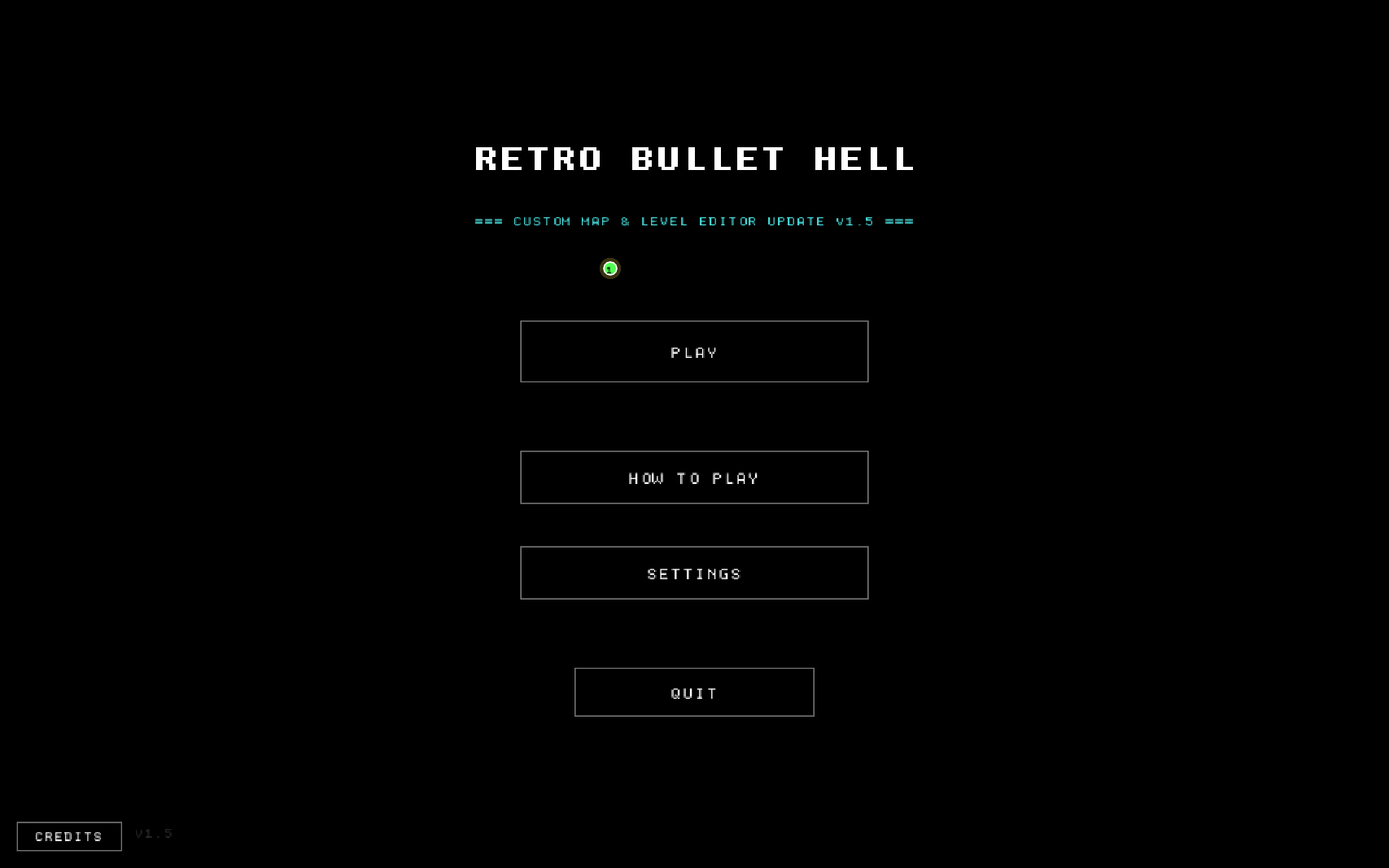
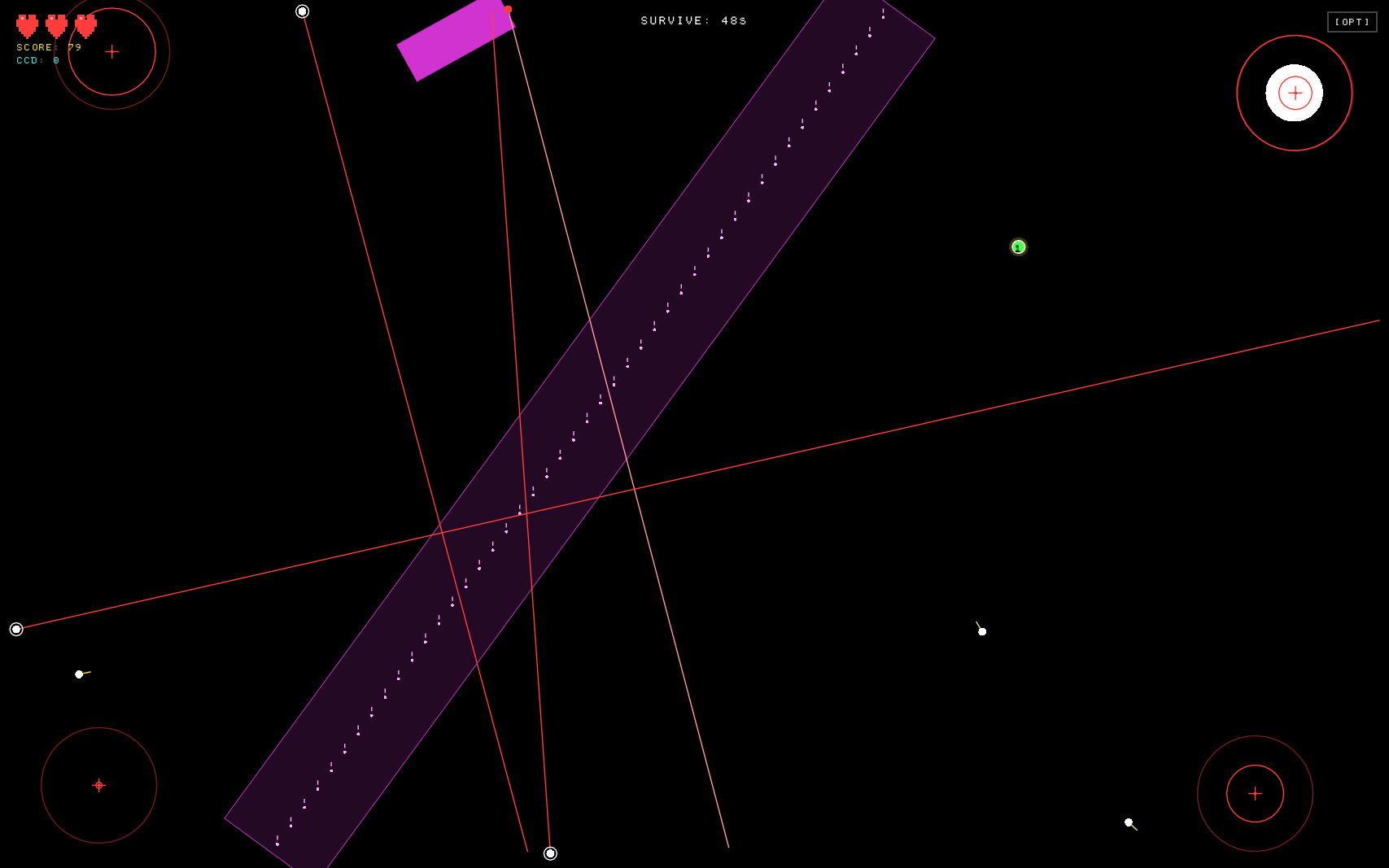
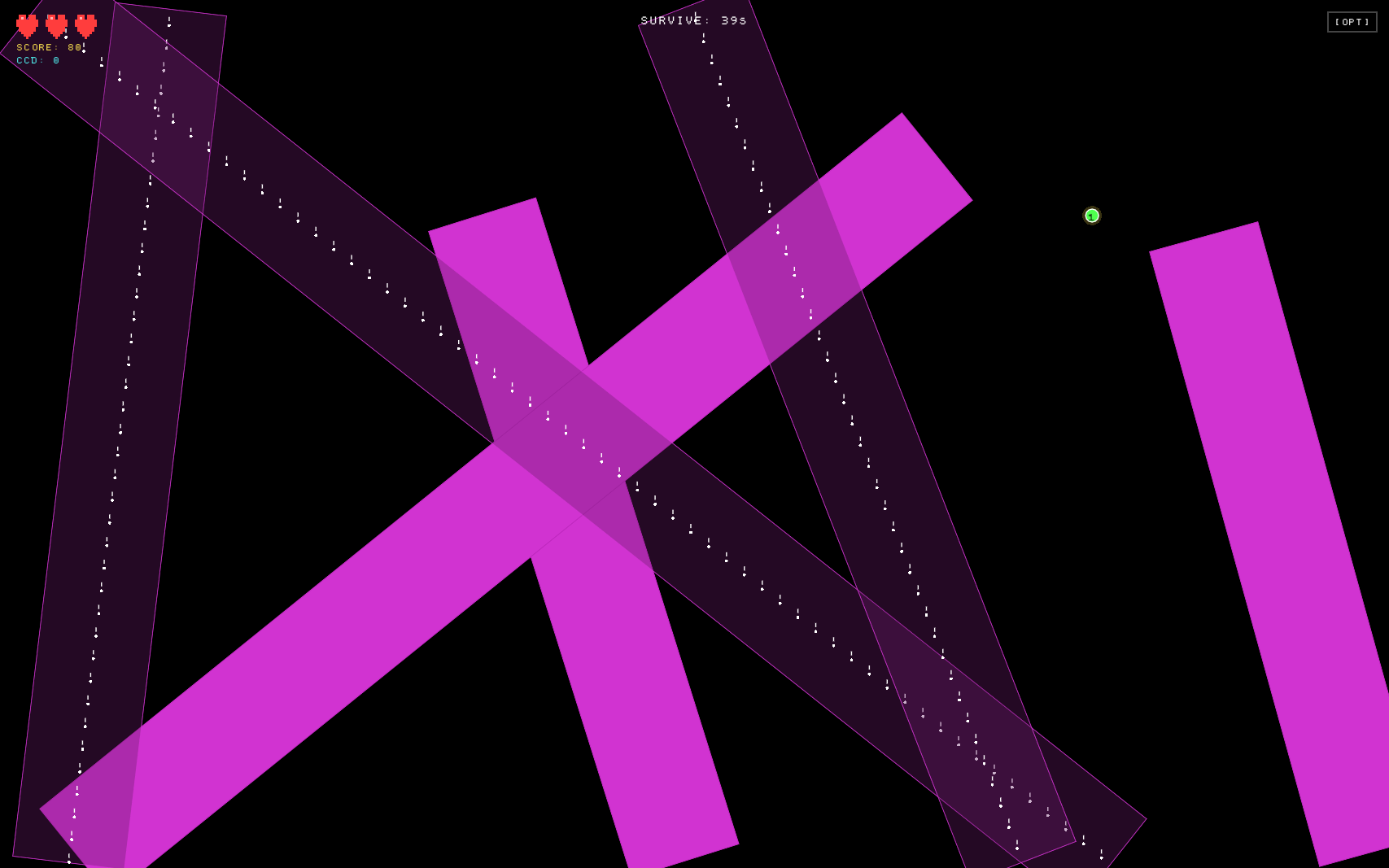
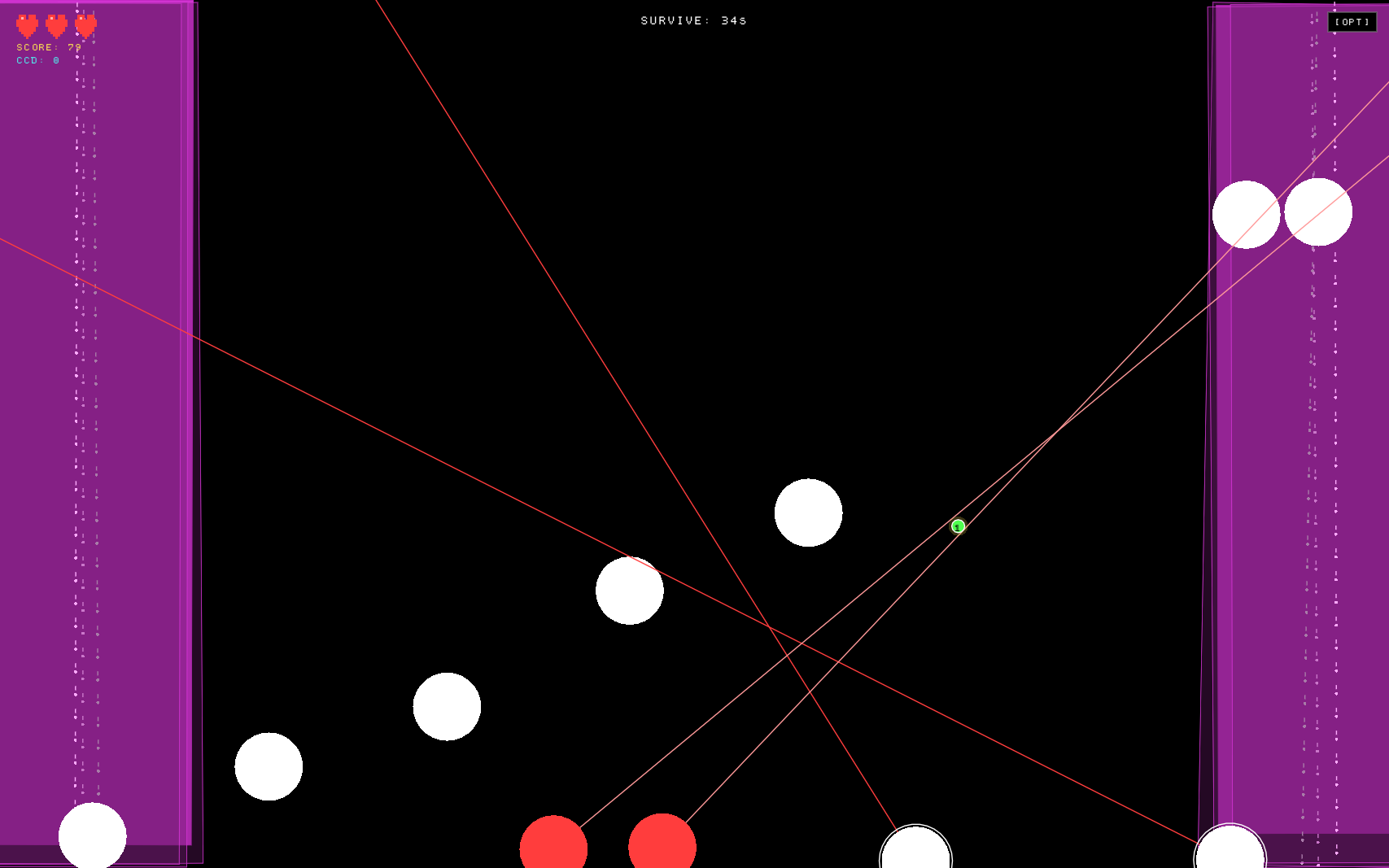
Retro Bullet Hell is a mouse-controlled bullet hell inspired by Just Shapes & Beats and Geometry Dash. Your cursor is your ship — move it to survive bullets, beams, explosions, blocks and black holes, all timed to the music.
Features
- Dodge everything — bullets, sweeping beams, explosions, growing blocks and black holes that pull you in.
- Defuse under pressure — click bombs, touch bombs, and lock-and-key puzzles you solve while the screen is on fire.
- Full level editor — place attacks on a music timeline, test instantly, and watch the built-in AutoPlay bot dodge your map live.
- Use your own music — add your own MP3 / OGG / WAV songs right inside the editor.
- Share maps with codes — export a map as a code, paste someone else's code to play their level.
- Practice mode — start anywhere in a map and slow it down to 0.5x or 0.75x.
- Ghost replay — see exactly where and how you died last time.
- Hardcore rule — make any map 1-heart only.
- Colorblind filters — protanopia, deuteranopia and tritanopia modes.
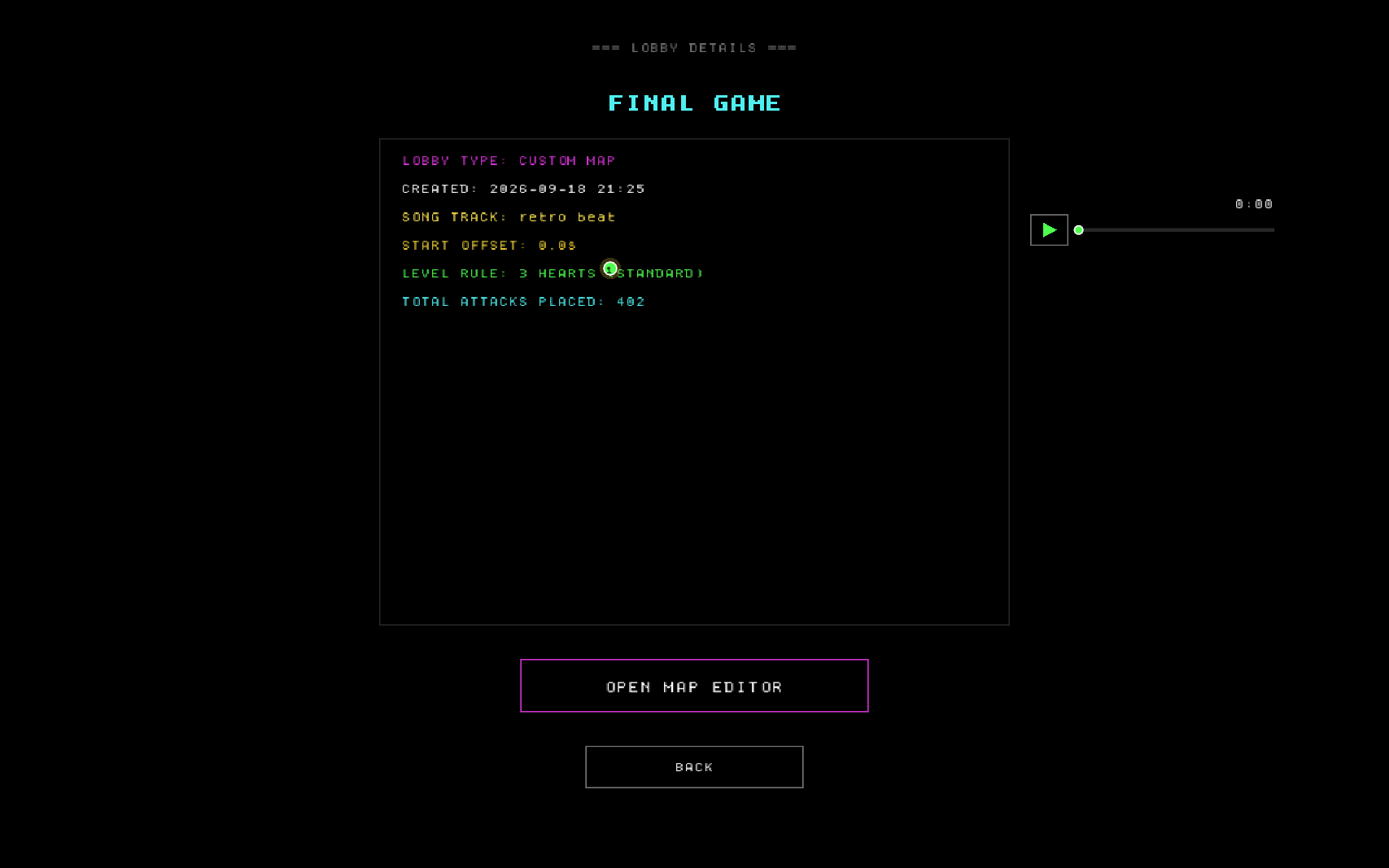
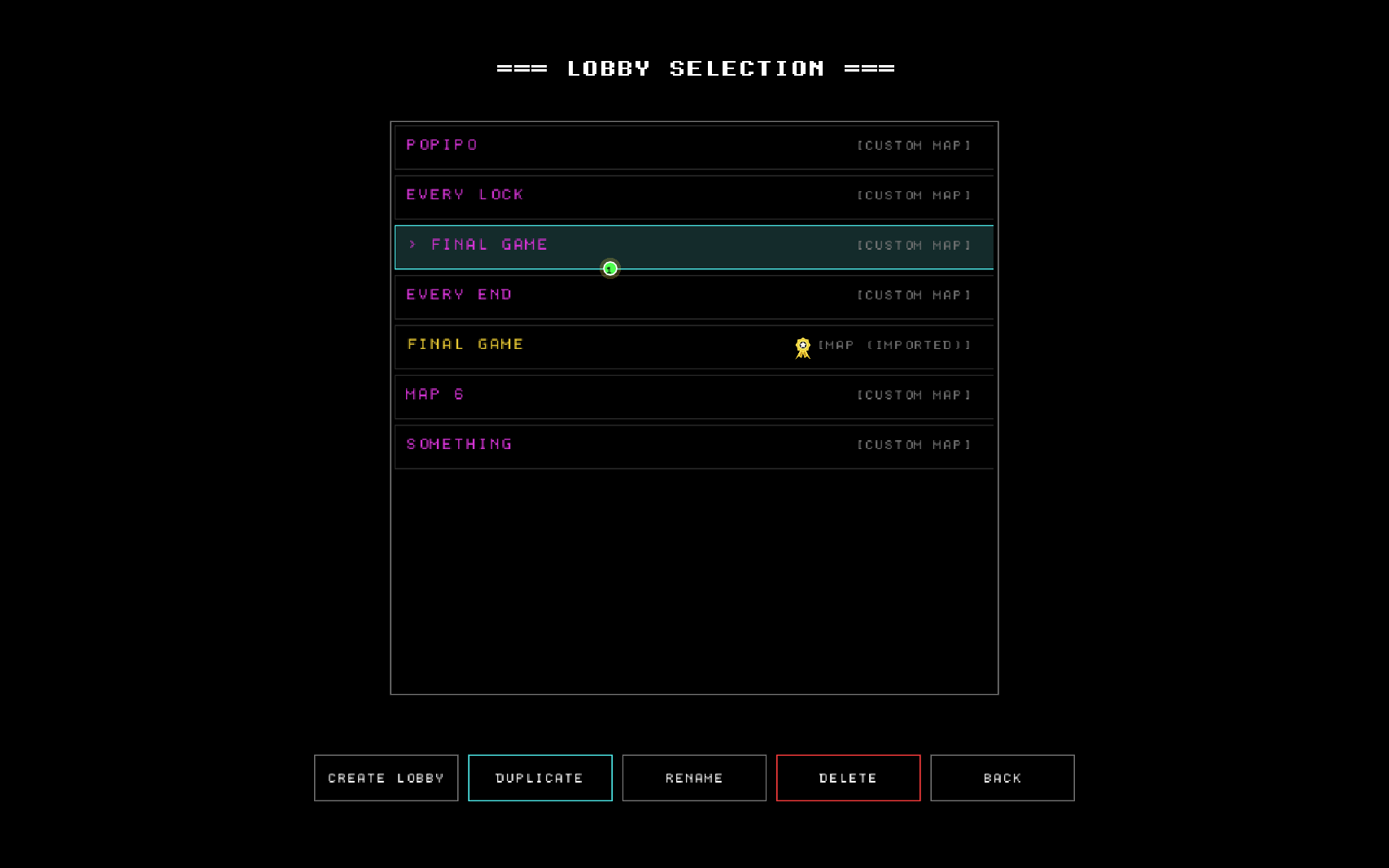
- Comes with a pre-made map: FINAL GAME.
Controls
| Action | Key |
|---|---|
| Move | Mouse |
| Defuse click bomb | Left click or C (rebindable) |
| Pause | TAB (in game) |
| Back / options | ESC (hold ESC to quit) |
| Fullscreen | F11 (from menus) |
| Editor undo / redo | Z / X (rebindable) |
Requirements
Windows 10 / 11 (64-bit). Mouse required.
Credits
- Created by: anonymuz
- Made with: LÖVE (love2d.org)
- AI assistance: Google Gemini and Anthropic Claude
- Font: Dogica by Roberto Mocci (SIL Open Font License)
- Inspiration: Just Shapes & Beats, Geometry Dash and bullet hell classics
Download
Install instructions
How to install
- Download
RetroBulletHell-win64.zip. - Unzip it anywhere.
- Run
RetroBulletHell.exe.
Your saves and maps are stored in %APPDATA%\retrobullethell\. Windows may show a SmartScreen warning because the game isn't signed — click More info → Run anyway.
Development log
- v1.0 Release3 days ago